
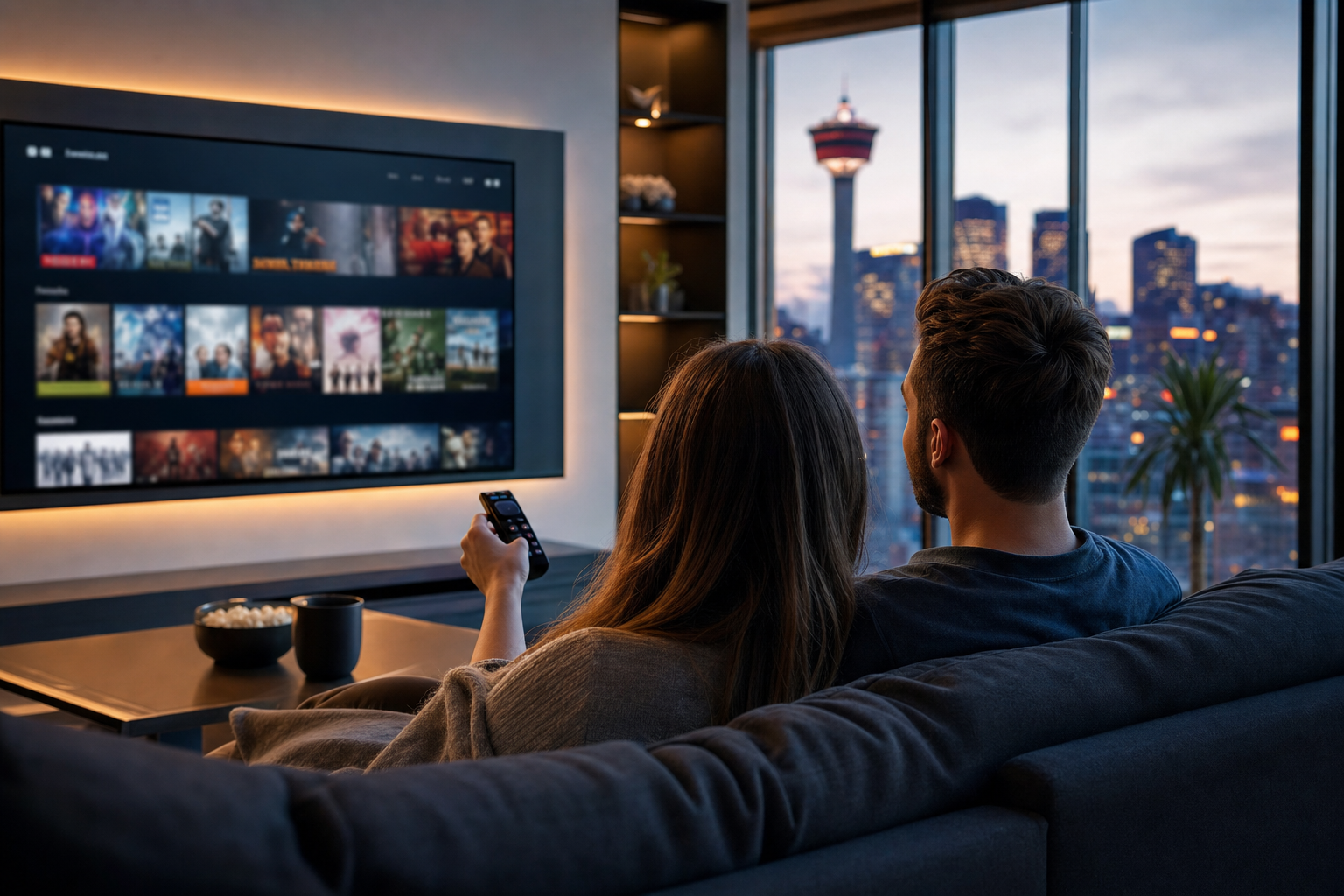
If you are cutting the cord, upgrading your home entertainment, or looking for a more flexible way to watch TV, live TV streaming services can be a smart replacement for cable. The best options give you access to live channels, sports, news, and family programming without the long contracts and hardware hassles that many traditional TV packages still require.
For Canadian households, the right choice depends on more than price alone. The strongest services typically combine stable streaming quality, broad device compatibility, easy setup, reliable customer support, and a channel lineup that fits how you actually watch. This guide breaks down what matters most, how to compare options, and what to do before you commit.
Bottom line: the best live TV streaming service is the one that delivers the channels you want, works smoothly on your devices, and stays dependable during peak viewing times.
What is live TV streaming services and why it matters?
Live TV streaming services deliver television channels over an internet connection instead of through cable or satellite infrastructure. In practical terms, that means you can watch live news, sports, entertainment, and specialty channels on devices like smart TVs, streaming boxes, phones, tablets, and laptops.
This matters because modern viewers want more control. Many households want to:
- Reduce monthly TV costs
- Watch on multiple devices
- Skip long-term contracts
- Access channels while travelling or moving between rooms
- Choose only the content they actually use
For a Canadian audience, the appeal is even stronger when the service supports local channel needs, sports coverage, bilingual content, and flexible viewing across different internet speeds. The best live streaming TV service should feel like an upgrade, not a compromise.
Key features and important considerations
Not every service is built the same. When comparing the best live streaming services, focus on the features that affect day-to-day viewing, not just the headline price.
1. Channel lineup and content fit
The first question is simple: does the service carry the channels you actually watch? A good package should cover your core needs, whether that is sports, Canadian news, lifestyle programming, kids’ channels, or international content.
When checking channel lists, look for:
- Canadian locals and national channels
- Sports networks and event coverage
- French-language or bilingual options, if needed
- Entertainment and movie channels
- Specialty channels that matter to your household
If you are evaluating a best live streaming tv service for family use, make sure it includes enough variety for all ages, not just one viewer’s preferences.
2. Stream quality and reliability
For live TV, reliability is not optional. A service may look attractive on paper, but if it buffers during a game or drops channels during prime time, the value falls quickly. The most important reliability factors are:
- Consistent picture quality at the resolution your connection can support
- Low buffering during peak hours
- Fast channel switching
- Stable uptime and dependable server performance
If you are comparing options in the iptv rankings space, be careful not to rely only on lists or buzz. Real-world performance is usually a better indicator than marketing claims.
3. Device support
The best service should work on the devices your household already uses. That usually includes:
- Smart TVs
- Android TV boxes and Fire TV devices
- Roku, where supported
- iPhone and Android phones
- Tablets and web browsers
- Streaming sticks and set-top boxes
Before you choose, confirm whether the service is easy to install on your primary screen. A good best iptv server or platform is one you can actually run comfortably on your preferred setup without constant troubleshooting.
4. Ease of setup and account management
A strong service should be straightforward to start using. Look for simple login steps, clear app instructions, and easy playlist or account setup if required. The less time you spend configuring, the faster you can start watching.
Useful setup features include:
- Clear onboarding instructions
- Easy activation on multiple devices
- Simple profile or favorites management
- Quick access to support if something breaks
5. Support and service responsiveness
Support quality matters more than many buyers expect. Even the best for streaming live tv can run into issues if you cannot get help when needed. Look for support that is easy to reach and practical to use, especially if you are new to live TV streaming or IPTV-style services.
6. Price, trial options, and value
Price should be evaluated against what you get. A cheaper plan is not a deal if it lacks key channels or performs poorly. Compare:
- Monthly cost
- Channel count and content quality
- Device limit or simultaneous stream limit
- Setup fees or hidden add-ons
- Trial availability or short-term plan options
When you compare the best live streaming service choices, look for the most balanced value, not just the lowest sticker price.
How to evaluate options and avoid common mistakes
Choosing a live TV service is easier when you use a structured process. Many people make the same mistakes: they chase channel counts, ignore compatibility, or assume every service will work equally well on every device.
Step 1: Start with your viewing habits
Make a short list of your must-have channels and use cases. Ask yourself:
- Do I watch more sports, news, movies, or family content?
- Do I need Canadian local channels?
- Do I want French-language or international content?
- How many people will stream at the same time?
This keeps you from overpaying for channels you will never use.
Step 2: Check real device compatibility
Do not assume a service works the same on every platform. Some work better on Android-based devices, while others are more polished on smart TVs or web apps. If you want the smoothest experience, confirm support for your exact device model before buying.
Step 3: Compare reliability, not just channel count
A very large channel list can look impressive, but it is useless if streams freeze or disappear. Focus on performance indicators such as:
- Fast startup time
- Minimal buffering
- Stable live playback
- Good performance during major events
This is especially important if you want the best live streaming tv service for sports or live news.
Step 4: Read the terms carefully
Before paying, review the plan details. Pay attention to subscription length, device limits, renewal terms, and what is included in support. If the service is unclear about these basics, that is a warning sign.
Step 5: Avoid these common mistakes
- Choosing only by price: cheap can become expensive if the service is unstable.
- Ignoring device support: a good service must work on your main screen.
- Skipping the channel review: the wrong lineup wastes money.
- Overlooking internet needs: live streaming depends heavily on connection quality.
- Assuming every provider is equally reliable: performance differences are real.
Practical setup, use or implementation guidance
Once you have chosen a service, the setup process should be simple. A good live streaming TV solution should be ready quickly with only a few steps.
Basic setup checklist
- Confirm that your internet connection is stable enough for live streaming.
- Install the app or open the service on your preferred device.
- Sign in with your account details or activation credentials.
- Set up favorites or channel shortcuts for fast access.
- Test live channels, especially sports and news, during normal viewing hours.
Best practices for a smoother experience
- Use a wired connection when possible for the main TV device.
- Keep your app updated to reduce bugs and improve compatibility.
- Close unused apps on streaming devices to preserve memory and speed.
- Test during peak times so you know how the service behaves in real life.
- Organize your favorites so common channels are easier to find.
If you are comparing the best ip-tv style options, setup simplicity is a strong sign of service quality. A provider that is easy to launch and maintain usually creates less frustration over time.
Common issues and troubleshooting
Even solid streaming services can hit occasional problems. The key is knowing what to check first so you can fix issues quickly.
Buffering or stuttering
Possible causes include weak Wi-Fi, overloaded networks, or temporary service congestion. Try:
- Restarting the app or device
- Switching to a wired connection
- Reducing other internet activity in the home
- Testing another channel to see if the issue is isolated
Channel not loading
If a channel fails to open, the issue may be temporary or account-related. Check whether other channels work and confirm that your app is fully updated. If the problem continues, contact support and note the specific channel name and time of the issue.
Poor picture quality
Resolution can vary based on your internet speed, device performance, and the source stream. If the picture looks soft or unstable, test on another device and verify your network speed. Sometimes adjusting app settings or restarting the device helps.
Login or activation problems
These are often caused by incorrect credentials, expired access, or an incomplete setup. Recheck your login details, confirm your subscription status, and follow the provider’s activation steps carefully.
Audio out of sync
Audio delay can happen on some devices or streams. Restart the app first. If the issue persists, try another device or adjust audio settings if available.
What should Canadian viewers look for specifically?
If you are searching for live tv stream canada options, local relevance matters. Canadian households often need more than generic international channel lists. Consider whether the service supports:
- Canadian network content
- Sports coverage relevant to Canadian viewers
- French-language programming
- Ease of use across common Canadian streaming devices
- Support that responds in a practical, timely way
Many buyers also want a service that feels straightforward enough for the whole household. The best choice should be simple for everyday viewing while still offering enough depth for live sports, family entertainment, and regional content.
Frequently asked questions
What should I know about live tv streaming services?
You should know that live TV streaming services vary widely in channel selection, reliability, device support, and support quality. The best choice is the one that fits your viewing habits, works on your devices, and stays stable when you actually need it.
How do I get started with live tv streaming services?
Start by listing your must-have channels, checking device compatibility, and comparing service stability. Then choose a provider, install the app or set up the account, and test the service on your main screen before treating it as your everyday TV solution.
What features or criteria matter most for live tv streaming services?
The most important criteria are channel lineup, reliability, stream quality, device compatibility, ease of setup, and customer support. If you watch sports or live events, stability and quick channel loading become especially important.
What common mistakes should I avoid?
Avoid picking a service based only on price, ignoring compatibility, and assuming a huge channel list means better quality. Also avoid skipping the terms and device limits, because those details affect your real experience.
Summary and next steps
Choosing among the best live streaming services is about finding the right balance of value, performance, and convenience. A strong service should give you the channels you want, work smoothly on your devices, and make setup simple enough that you can start watching right away.
Before you buy, compare the lineup, test compatibility, check support quality, and think about how the service will perform during real viewing moments. If you are searching for the best live streaming service for a Canadian household, prioritize reliability and fit over flashy claims.
Next step: review your must-have channels, confirm your device support, and compare a few options side by side. That is the fastest way to find the best for streaming live tv in your home without overspending or settling for poor performance.

No Responses