
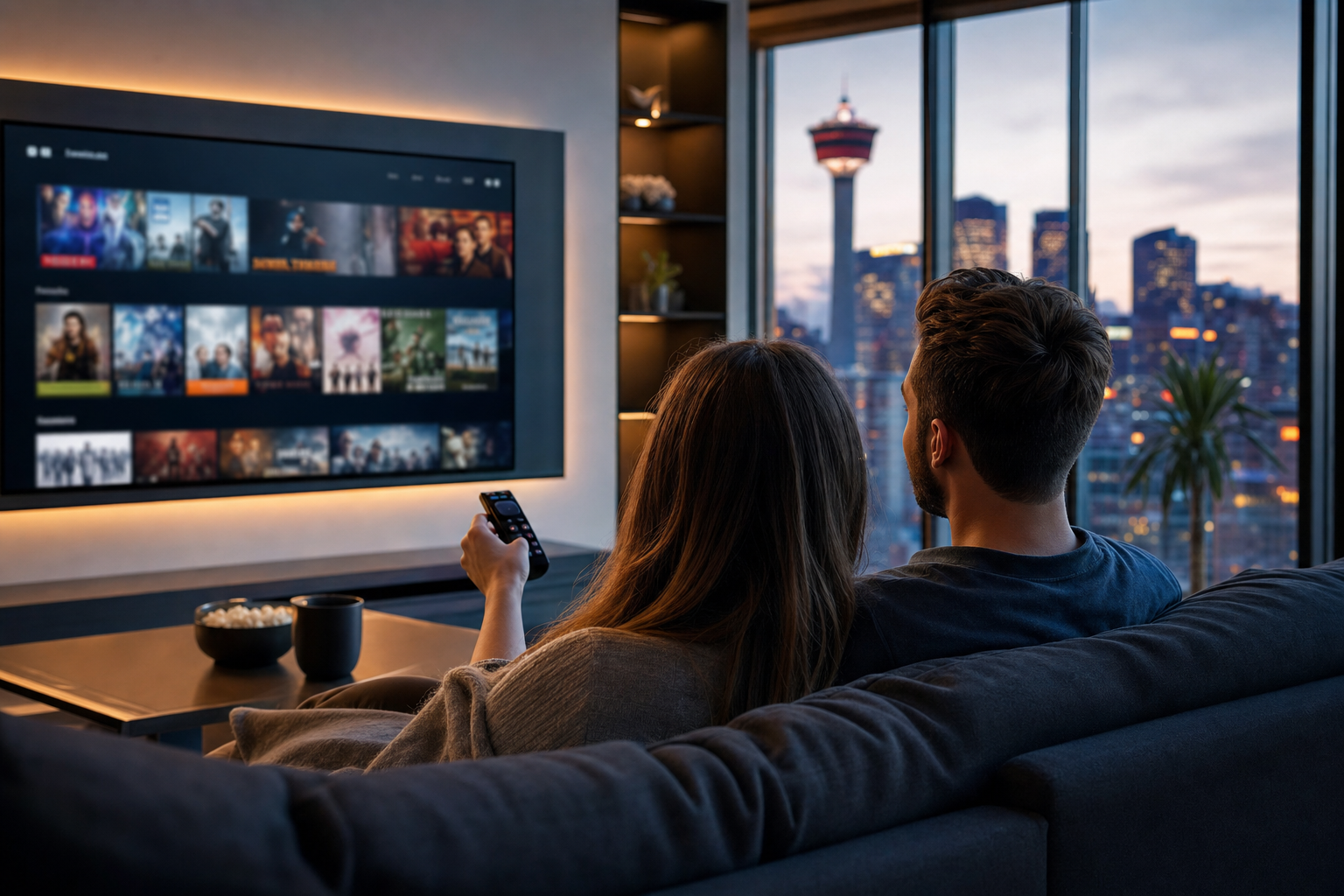
If you are cutting the cord or trying to reduce your monthly bill, live TV streaming services can be one of the best ways to keep the channels you actually watch without paying for a traditional cable package. The strongest options combine live channels, sports, news, on-demand extras, and multi-device support in a format that is usually easier to manage than legacy TV.
The key is not simply finding the cheapest plan. The best live TV streaming service is the one that fits your household: your internet speed, your devices, your channel preferences, and your tolerance for buffering or app limitations. For Canadian viewers, that often means paying close attention to local channel availability, sports access, bilingual content, and whether a service works smoothly on the devices you already own.
This guide covers what live TV streaming services are, what features matter most, how to compare options, how to set them up properly, and what to do when playback issues show up. If you are comparing the best live streaming TV service or evaluating live TV stream Canada options, this is the practical starting point.
What is live TV streaming services and why it matters?
Live TV streaming services deliver real-time television over the internet instead of through cable or satellite infrastructure. In practical terms, that means you watch programming as it airs, while using apps on smart TVs, streaming sticks, phones, tablets, or computers.
For many households, the appeal is straightforward:
- Lower cost than many traditional TV bundles
- More flexibility with month-to-month plans
- Better device compatibility across modern TVs and mobile devices
- Easier setup without technicians or long contracts
- More control over what you pay for
That does not mean every service is a perfect replacement for cable. Some are built for sports, some are better for family entertainment, and some prioritize channel volume over consistency. That is why comparison matters. If you want the best live streaming services, you need to evaluate both content and performance, not just headline channel counts.
Key features and important considerations
1. Channel lineup and content fit
The first filter is still the most important: does the service carry the channels you actually use? A platform can look impressive on paper and still miss your must-haves.
Check for:
- Local broadcast channels
- National news networks
- Sports channels and league coverage
- Entertainment and lifestyle channels
- French-language or bilingual content where needed
- Regional availability for Canadian viewers
If your household watches mostly live sports, the best for streaming live TV may be a service with stronger sports bundles, while a family focused on general entertainment may care more about broad channel variety and dependable DVR features.
2. Stream quality and reliability
Performance matters as much as content. A service can have the right channels and still feel frustrating if it buffers at peak hours, drops resolution, or lags behind live events.
Look for signs of reliability such as:
- Stable HD playback
- Low startup delay
- Consistent performance during busy viewing times
- Fast channel switching
- Minimal app crashes or login problems
If you are comparing the best live streaming tv service options, reliability should weigh heavily in your decision. For live sports especially, delays and buffering can make a service feel much less valuable even if the price is attractive.
3. Device support and app quality
A service is only convenient if it works well on the devices you already use. Before subscribing, confirm support for:
- Smart TVs
- Amazon Fire TV
- Android TV / Google TV
- Apple TV
- Roku, where supported
- iOS and Android phones or tablets
- Web browser access
App quality matters too. Some services look good in marketing materials but feel clunky in everyday use. A strong IPTV or streaming platform should make it easy to browse channels, resume playback, manage favorites, and access the guide without extra friction.
4. DVR, catch-up, and on-demand options
Many viewers now expect more than just live channels. Useful extras can significantly improve value:
- Cloud DVR for recording games and shows
- Catch-up TV to replay recently aired content
- On-demand libraries for movies and series
- Pause and restart features for live broadcasts
If multiple people share the same subscription, these features are often what turn a basic stream into a genuinely practical household solution.
5. Pricing structure and contract terms
Price is important, but the cheapest option is not always the best value. Compare the total cost after considering add-ons, taxes, premium sports tiers, extra streams, and device limits.
Pay attention to:
- Monthly vs annual billing
- Setup fees or activation charges
- Trial periods
- Cancellation rules
- Number of simultaneous streams
- Whether there are hidden extras for premium channels
A low monthly rate can become less attractive if the service limits viewing to one screen, charges extra for sports, or lacks stable support. The best live streaming service usually balances cost with predictable everyday performance.
6. Support and service transparency
Good customer support is not a luxury when you rely on streaming for daily TV. If an app update breaks playback or a channel stops working, responsive support can save time and frustration.
Before choosing a provider, check whether it offers:
- Clear setup instructions
- Simple account management
- Support for common devices
- Help with buffering, login, or EPG issues
- Transparent service details
When comparing the best iptv server options or broader live TV platforms, transparency is a major trust factor. Strong services explain what is included, what is optional, and what devices are supported without making the buyer guess.
How to evaluate options and avoid common mistakes
Many people make the same mistake when shopping for live TV streaming: they focus on channel numbers instead of real-world usability. A huge lineup is not helpful if the service is unstable or missing the specific channels that matter to your family.
Use this simple evaluation process:
- List your must-have channels first, including sports, local news, and language-specific content.
- Confirm device compatibility on the TVs and phones you already use.
- Test internet performance if your current connection is inconsistent or shared by many users.
- Compare stream quality, not just price and channel count.
- Review limits on simultaneous streams, DVR storage, and account sharing.
- Check support quality and how easy it is to get help.
Common mistakes to avoid:
- Buying on price alone without checking quality and support
- Ignoring device limitations until after purchase
- Overlooking sports blackouts or channel gaps
- Assuming every service works equally well in Canada
- Skipping a trial when one is available
- Not verifying internet speed and Wi-Fi strength
If you are comparing IPTV rankings or evaluating the best IPTV and live-streaming options, focus on use case first. A service that is best for one household may be the wrong choice for another.
Practical setup, use or implementation guidance
Most live TV streaming services are easy to start, but a good setup makes a big difference in everyday performance. A few steps early on can prevent a lot of frustration later.
Recommended setup checklist
- Test your internet connection on the device you will actually watch on.
- Connect over Ethernet when possible for a more stable TV experience.
- Use a strong Wi-Fi signal if wired internet is not practical.
- Install the app on your primary streaming device before subscribing long term.
- Log in and verify channel access right away.
- Set favorites so the guide is easier to use.
- Configure DVR or catch-up settings if the service includes them.
Best practices for smoother viewing
- Keep your streaming device updated
- Restart the app if playback becomes unstable
- Clear cache periodically on Android-based devices
- Avoid overloading home Wi-Fi with too many simultaneous 4K streams
- Use a modern router if your household streams heavily
For Canadian households, it is also smart to confirm whether the service works well during peak viewing windows and on the channels you care about most. A platform can be fine for casual browsing but less consistent for live sports or prime-time events.
Common issues and troubleshooting
Even solid live TV streaming services can run into occasional problems. The goal is to identify whether the issue is with your internet, your device, or the service itself.
Buffering or freezing
Try these steps:
- Restart the app
- Check your internet speed
- Switch from Wi-Fi to Ethernet if possible
- Reduce other bandwidth-heavy activity in the home
- Lower video quality if the service allows it
Channel not loading
- Confirm the channel is included in your subscription
- Refresh or relaunch the app
- Check for account login issues
- Test another channel to see whether the issue is isolated
Guide information is missing or outdated
- Allow the app time to refresh data
- Check for updates
- Sign out and sign back in
- Contact support if the schedule stays inaccurate
Audio or lip-sync problems
- Restart the stream
- Try another device to isolate the issue
- Check TV audio settings and sound modes
- Update the app and device firmware
If problems happen regularly, that is often a sign that the service is not a great fit for your network or usage pattern. A strong streaming solution should feel dependable most of the time, especially if you are using it as your main TV source.
Frequently asked questions
What should I know about live tv streaming services?
Start with your viewing habits, not the marketing. The most important factors are channel selection, stream quality, device support, pricing, and whether the service is reliable during live events.
How do I get started with live tv streaming services?
Begin by checking your internet connection, selecting compatible devices, and comparing services based on the channels and features your household actually needs. If a trial is available, use it before committing.
What features or criteria matter most for live tv streaming services?
The most important criteria are content fit, reliability, ease of use, support for your devices, DVR or catch-up options, and clear pricing. For many Canadian users, local and sports coverage are also top priorities.
What common mistakes should I avoid?
Avoid choosing solely by price, ignoring device compatibility, assuming all services perform the same, and subscribing before you confirm the channels you need. It is also smart to avoid any platform that is vague about support or billing terms.
Summary and next steps
The best live TV streaming services are not just the ones with the biggest lineup. They are the ones that deliver the right channels, dependable playback, easy setup, and a good fit for your household budget. If you are looking for the best live streaming tv service or comparing live TV stream Canada options, start with your must-have channels and then judge each service on reliability, device support, and total value.
For most buyers, the smartest next step is to create a short shortlist, compare features side by side, and test the service on your primary device before making a long-term commitment. That approach helps you avoid disappointment and makes it much easier to find the best live streaming services for real everyday use.
If you want a practical comparison framework, focus on three questions: does it carry what you watch, does it work well on your devices, and does it feel stable enough to replace cable? If the answer is yes, you are much closer to a service worth keeping.

No Responses